Adding Another AddSearch Account
You can create additional AddSearch accounts linked to your existing account from the dashboard. Each new account includes a separate search index, settings, users, and statistics, and provides the same features as the Core plan. This setup is useful for testing new configurations without affecting your current setup or managing client accounts with separate billing.
Create a New Account
Follow these steps to add another AddSearch account:
-
Log in to your AddSearch account.
-
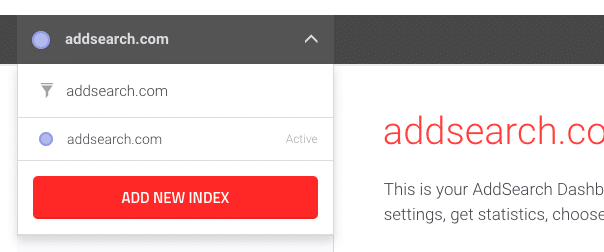
Open the dashboard and click the drop-down menu in the top-left corner.
-
Select Add new index from the menu.
-
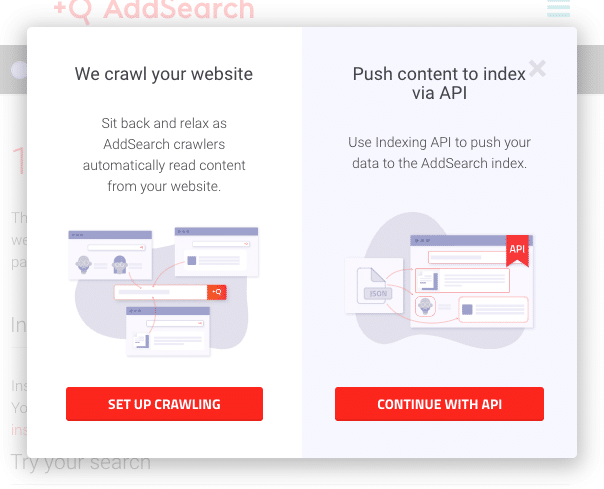
Choose the indexing method for your new account:
- To let AddSearch's crawler collect and index your website content, click Set up crawling.
- To add documents via the API, click Continue with API. (API setup requires technical knowledge.)
A. Create a Crawler Index
If you select Set up crawling:
-
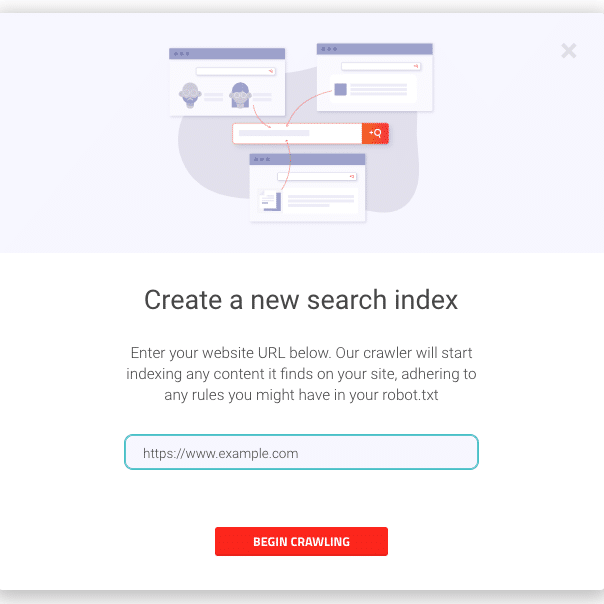
Enter the URL you want the crawler to visit in the input field.
-
Click Begin crawling to start indexing your site.
-
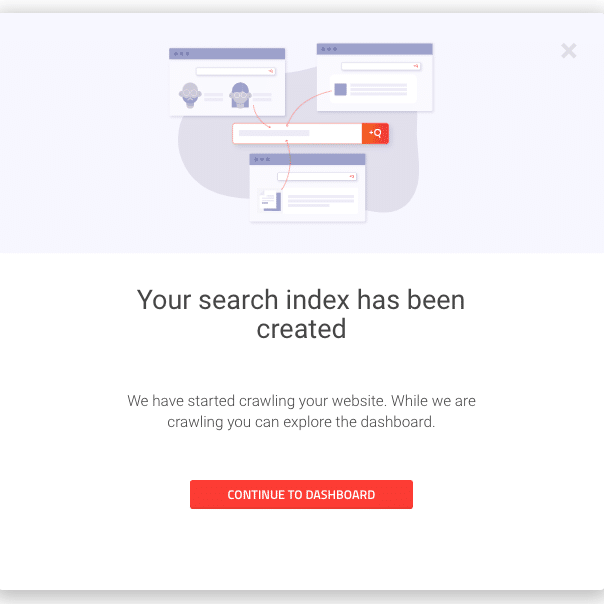
Click Continue to dashboard to return to the dashboard.
B. Create an API Index
If you select Continue with API:
-
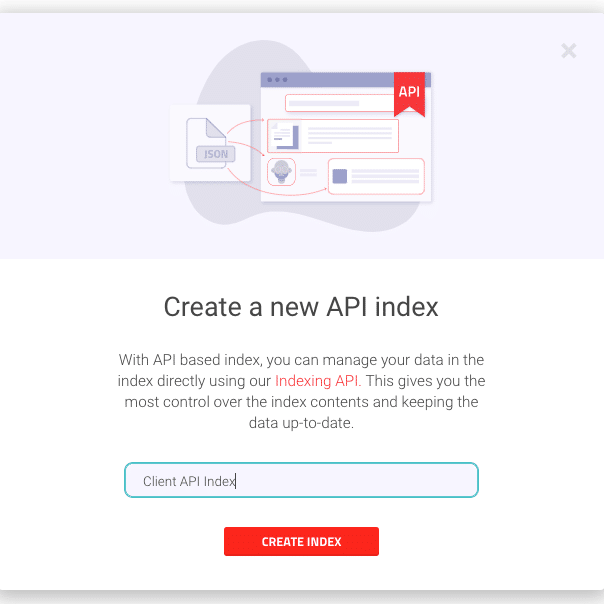
Provide a name to identify the index.
-
Click Create index.
-
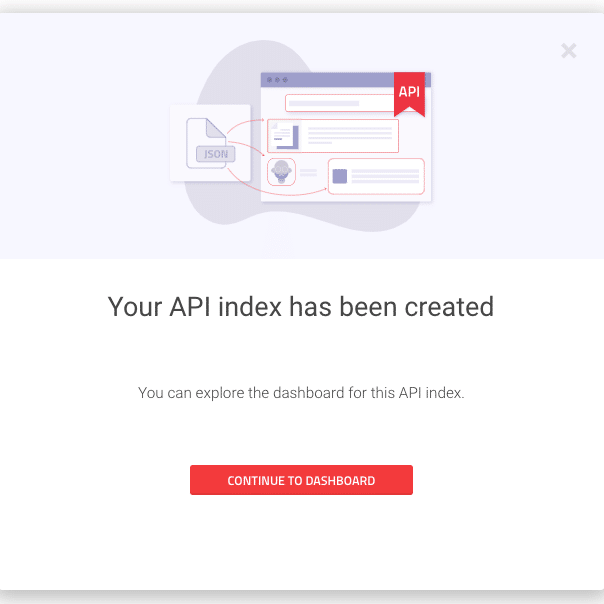
Click Continue to dashboard to return to the dashboard.
Additional Information
- Refer to the indexing API overview for details on working with the API index method.
- For help managing multiple accounts or billing questions, consult AddSearch support.
This process enables you to manage separate search setups easily within your existing AddSearch login.