Updating Billing Information
Update your billing address or credit card details directly from the AddSearch dashboard.
You need admin user privileges to modify billing information. For details on user roles and permissions, see Managing Users.
Steps to Update Billing Information
- Sign in to your AddSearch Account.
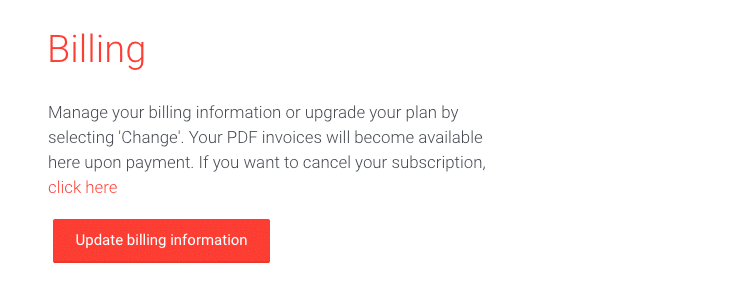
- Navigate to the Billing section.
- Click the Update billing information button.
- Fill out the form with your new billing address or credit card details.
- Submit the form to save your changes.
Your billing information is now updated and will apply to your upcoming invoices.