Billing and Invoicing
Manage your AddSearch subscription billing settings directly from your account Dashboard's Billing page. You need admin privileges to access and change billing information.
Payment methods
- Pay your subscription using a credit card.
- Wire transfer and invoice payment options are available for Advanced and Enterprise plans.
- PayPal is not supported.
Billing page features
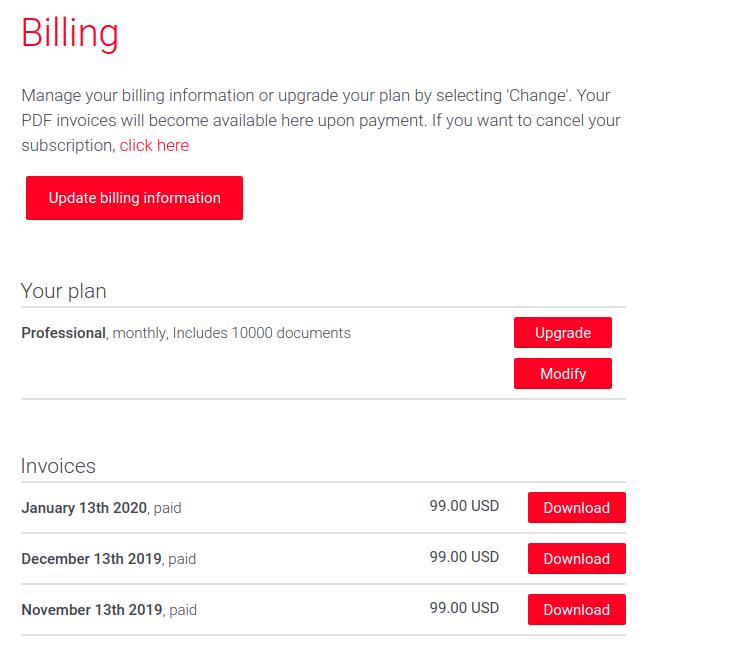
From the Billing page, you can:
- Update billing information: Opens the subscription billing service provider page.
- Upgrade your subscription plan.
- Download invoices for all paid subscriptions.
- Cancel your subscription.
You will receive payment receipts via email addressed to the billing contact person. Additionally, all paid invoices are accessible for download on the Billing page.
For detailed steps on each action, navigate to the Dashboard and select the Billing section under your account settings.