Choosing the Search Index
After signing up for AddSearch, your account includes access to a demo index to explore search features.
To include your own content in search, you must create a search index. Creating an index also sets up your settings, statistics, user management, and subscription options.
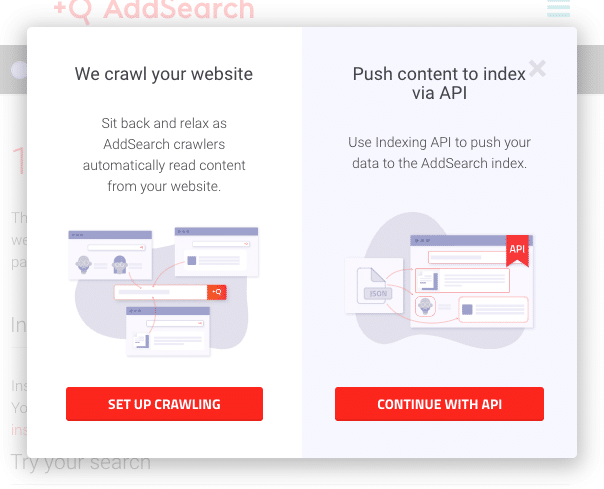
During index creation in the AddSearch dashboard, choose between two types of indices:
- Crawler index
- API index
Crawler Index
Use the crawler index if you want AddSearch to automatically collect content from your website.
How it works
- Add your website URL for crawling.
- AddSearch crawlers collect links and page content from your site.
- The system indexes the collected web pages.
AddSearch also indexes pages listed in sitemap.xml files located in your site root.
Dynamic content
The crawler index supports indexing dynamically generated content using Ajax crawling, available with the Core (formerly Core), Advanced (formerly Advanced), and Enterprise plans.[Needs verification]
Monitoring
Indexing runs automatically once the crawler index and website are set up. Check progress and status on the Dashboard page.
For detailed indexing states, see Indexing status documentation.
Troubleshooting
If no pages are indexed, refer to Troubleshooting demo/index issues or contact support at support@addsearch.com.
API Index
Choose the API index if you want full control to push your content programmatically.
How it works
You send documents to the index using the Indexing API endpoint.
Use cases
- Index content not publicly available on a website.
- Index content for mobile or desktop apps.
- Manage content updates through your own systems.
Requirements
Technical expertise is required to implement the API indexing.
For more information, see the Indexing API overview.
If you need help deciding which indexing method fits your needs, contact AddSearch support at support@addsearch.com.