Different Search Result Views
AddSearch provides multiple ways to display search results on your website. Choose the option that best fits your preferred user experience and site design.
Using Search API and Search UI Library
- Use the RESTful Search API to create custom search result views or integrate search functionality into mobile apps.
- Implement the AddSearch Search UI Library for a flexible, easy setup of search components.
- Access the library's source and examples on GitHub.
- Try the live demo of UI components to see available features.
For tailored integration assistance, you can contact AddSearch for a personal demo.
Widget View
The widget displays search results instantly above the current page as users type, enabling a fast, predictive search experience.
To test the widget:
- Focus on your website's search input.
- Type any letter or query.
- Observe how results appear dynamically without leaving the page.
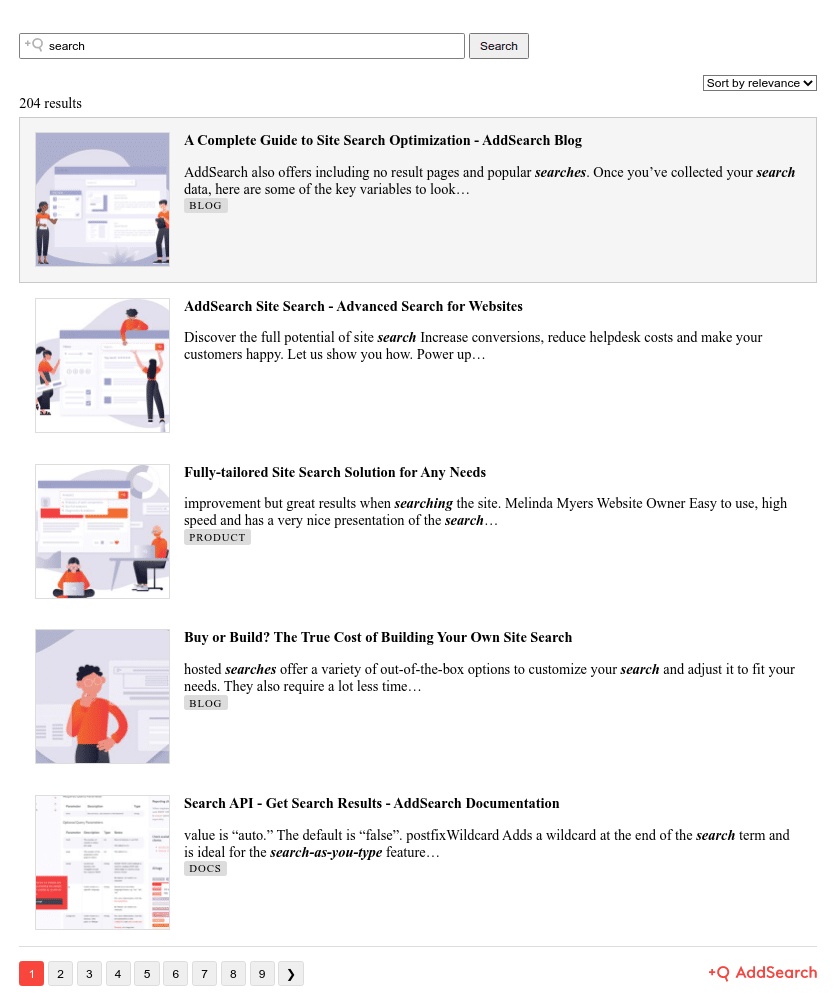
Separate Results Page
Use the separate results page view if you want search results to open on a distinct page with pagination controls.
- Preview and customize this view using the separate results page designer.
- Follow the setup instructions provided in the designer to apply this view on your website.