Exact Match Boost
Exact Match Boost lets you increase the ranking of documents that exactly match search terms consisting of two or more words. Use this feature to prioritize results that contain the exact phrase your user searches for.
This is especially useful when users search for specific product models, parts, book titles, or course names, where matching multi-word phrases exactly improves result relevance.
Understanding the Exact Match Boost Interface
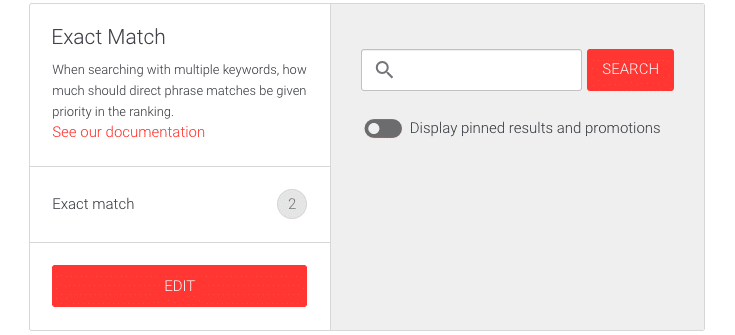
The interface shows the current Exact match boost value and an Edit button to adjust it.
On the right side, you will find:
- A search field to test how the boost affects results in real time.
- A toggle switch to enable or disable the visibility of Pinned results and Promotions.
- A live list of search results as you enter queries.
How to Edit the Exact Match Boost Value
- Log in to your AddSearch Account.
- Navigate to Ranking tools under Manage results.
- Select the Exact Match Boost link.
- Click the Edit button to open the editor.
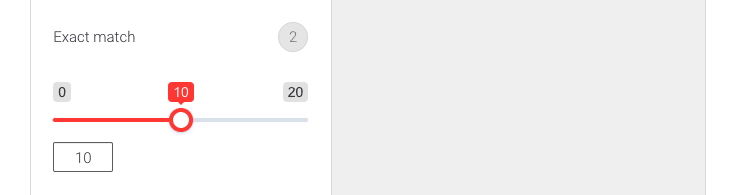
The editor allows you to adjust the boost value using a slider or by entering a number directly.
-
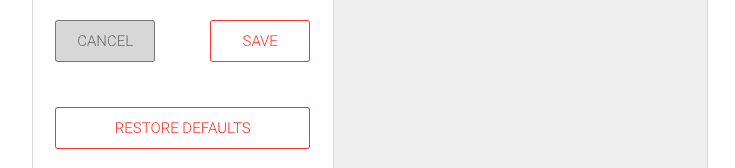
After adjusting, choose one of the following to finalize:
- Click Save to apply your changes.
- Click Cancel to discard changes.
- Click Restore defaults to reset the boost value to its original setting.