Managing Synonyms in AddSearch
Use synonyms to link related words and improve the relevance of your search results. When a user searches for a term, AddSearch returns results that also match any synonyms you've defined.
For example, if you define "sneakers" and "running shoes" as synonyms on an e-commerce footwear site, a search for "sneakers" will include results for "running shoes." This broadens the results and makes them more useful.
How to Add Synonyms
- Log in to your AddSearch Account.
- Navigate to Manage results > Synonyms.
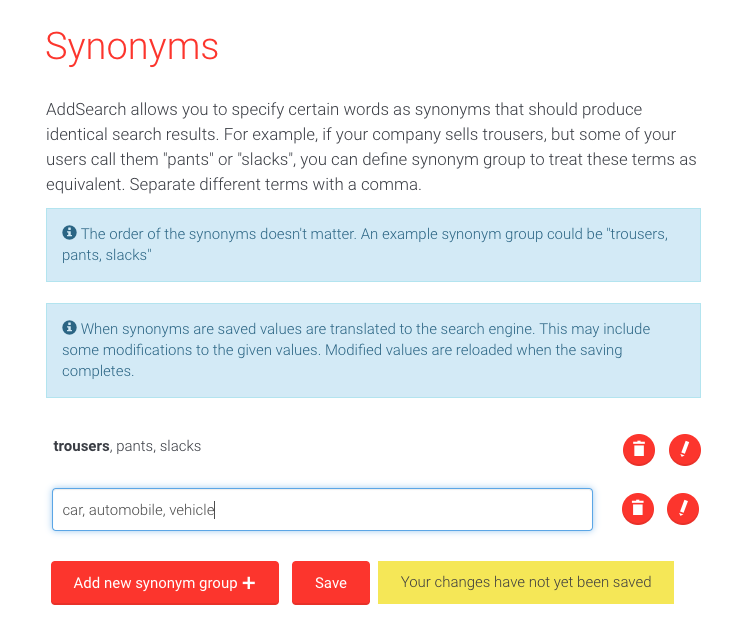
- Click Add new synonym group +.
- Enter your synonyms as a comma-separated list on a single line.
- Repeat for additional groups if needed.
- Click Save to apply your changes.
Important Notes
- Synonyms do not affect Pinned results. You must configure pinned results separately.
If your interface differs from the instructions or screenshots, verify that you are using the latest AddSearch dashboard version or contact support.