
You can cancel your subscription from your AddSearch Dashboard. After canceling your subscription, the AddSearch account will stay active until the end of the paid term and you won’t be charged thereafter.
If you experience any issues or struggle configuring your search, don’t hesitate to contact us at support@addsearch.com.
Instructions
To cancel your subscription, follow these instructions:
- Log in to your AddSearch Account
- Go to Billing
- Click Cancel subscription button to go to the confirmation page
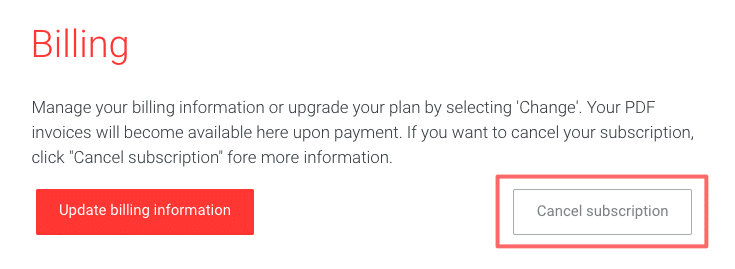
The page to give feedback and confirm the cancelation opens.
- Click Confirm cancelation button to cancel your subscription
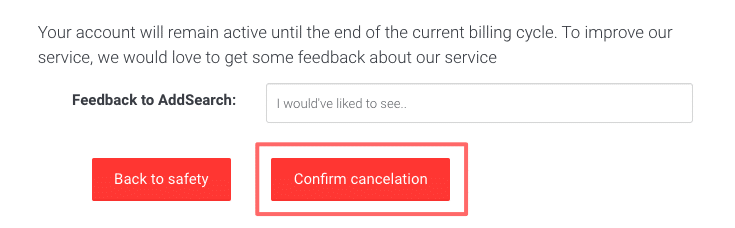
We appreciate any feedback regarding the cancelation. Your input is valuable in continuing to improve our services.